Understanding API Key Permissions & Trading

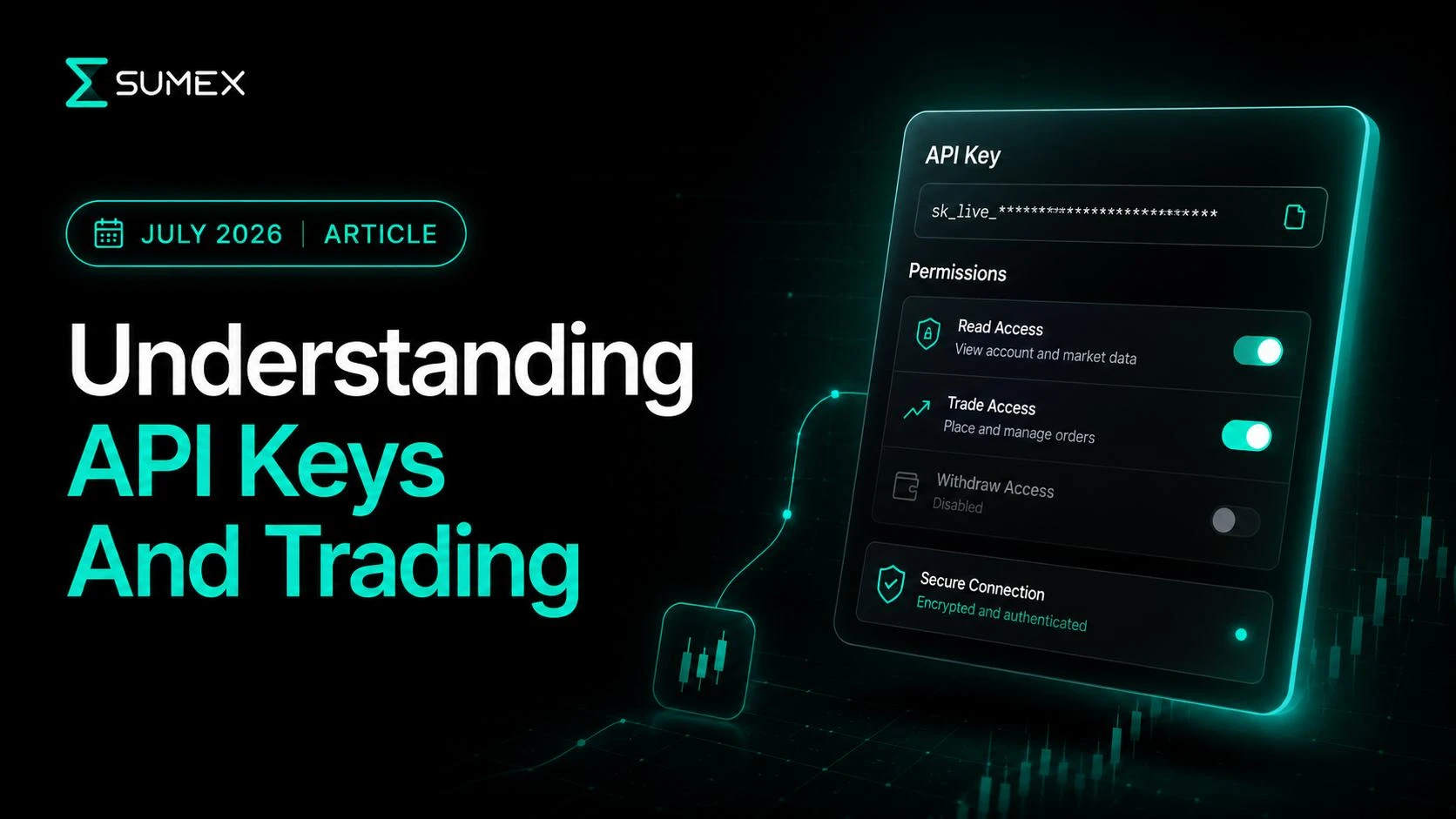
When connecting an exchange account, one of the most important decisions happens before the connection is even created.
All exchanges allow users to choose different API permission levels during setup. These permissions determine what a connected application can see and what actions it may be allowed to perform.
Many users rush through this step because the options seem technical. However, understanding permission types is one of the simplest ways to maintain control over your account and avoid configuration mistakes.
Before connecting an Exchange Bundle, it is worth understanding exactly what each permission category means.
Why API Permissions Exist
API permissions are designed to give users control over how external applications interact with their exchange accounts.
Instead of granting unrestricted access, exchanges allow users to select specific permission levels based on their intended use case.
This means one API key may only view account information, while another may support trading workflows.
The selected permissions determine the capabilities of the connection.
Read-Only Permissions
Read-only permissions allow a connected application to access account information without enabling trading or asset transfers.
Depending on the exchange, read-only access may include:
- Account balances
- Portfolio information
- Position data
- Trade history
- Transaction records
- Account activity
Read-only permissions are often used when visibility, reporting, analytics, or portfolio monitoring is the primary goal.
Example
A user wants to view portfolio balances and trading activity across multiple exchanges from a single dashboard.
In this scenario, read-only permissions may provide the information required without enabling trading actions.
What Read-Only Does Not Do
Read-only permissions generally do not allow:
- Creating orders
- Modifying positions
- Executing trades
- Withdrawing assets
The exact capabilities depend on the exchange, so users should always review exchange documentation before creating an API key.
Trading Permissions
Trading permissions allow trading-related actions to be performed on the connected exchange account via Sumex interface.
These permissions are commonly used when users want access to active trading workflows.
Depending on the exchange and workflow, trading permissions may support the following:
- Spot and futures market participation, i.e.,
- Order placement
- Order alterations
- Position management
- Use of bots and automated strategies
Trading permissions expand the capabilities of a connection beyond account visibility.
Example
A trader wants to manage positions and execute trades from a unified trading environment.
In this case, trading permissions are required to support the intended workflow.
What Trading Permissions Do Not Automatically Mean
Some users assume trading permissions are equivalent to full account control.
In reality, permission categories are typically separated. Trading permissions and withdrawal permissions are usually distinct settings controlled independently by the exchange.
Users should review the exact permission structure offered by their exchange.
Withdrawal Permissions
Withdrawal permissions allow assets to be transferred out of an exchange account.
Because withdrawals involve the movement of assets, this permission category is generally treated differently from read-only and trading permissions.
Different exchanges apply different security controls, restrictions, and requirements around withdrawal functionality.
Sumex does not require withdrawal permissions for the user’s API keys in any of the use cases, therefore it is recommended not to enable them. Moreover, if such permission was granted by mistake, the user will see a warning withing the Connection Manager, urging the user to disable the withdrawal permission.
Example
A user creates an API key and notices withdrawal access is available as an optional permission.
Before enabling any withdrawal-related capability, the user should understand exactly what the permission allows and whether it is necessary for the intended workflow.
Why Withdrawal Permissions Require Extra Attention
Asset transfers have a different risk profile than account visibility or trading activity.
For this reason, users should carefully review exchange guidance, security settings, and permission details before enabling any withdrawal-related capability.
A Simple Comparison
| Permission Type | Primary Purpose |
|---|---|
| Read-Only | View account information and activity |
| Trading | Support trading-related actions and execution workflows |
| Withdrawal | Allow asset transfer functionality where supported |
Understanding this distinction helps users create API keys that align with their intended use case.
How To Review Permissions Before Connecting
Before creating or connecting an API key:
- Confirm you are logged into the correct exchange account.
- Review all available permission categories.
- Read the description provided by the exchange.
- Match permissions to the workflow you intend to use.
- Review additional security settings.
- Verify the configuration before saving.
A few minutes spent reviewing permissions can prevent future confusion.
Example Scenario
Imagine a trader wants to connect an exchange account to access trading tools and portfolio visibility.
During API setup, they review the available permission options, confirm that the settings match the intended workflow, and verify the configuration before connecting the Exchange Bundle.
After connecting, they review the account status and confirm the exchange appears correctly inside the workspace.
Common Mistake
A common mistake is treating all API permissions as if they provide the same level of access.
In reality, each permission category serves a different purpose.
Understanding the distinction between read-only, trading, and withdrawal permissions helps users make more informed decisions during setup.
When Not To Do This
Do not create or connect an API key if you do not understand the permissions being selected.
Review the exchange documentation, permission descriptions, and intended workflow before proceeding.
Checklist
Before connecting an Exchange Bundle:
- Understand read-only permissions
- Understand trading permissions
- Understand withdrawal permissions
- Review the exchange's permission descriptions
- Verify the intended workflow
- Double-check the API configuration
API Permissions FAQ
What is the difference between read-only and trading API permissions?
Read-only permissions allow Sumex to access account information such as balances, positions, portfolio data, and transaction history without enabling trading actions. Trading permissions additionally allow supported actions such as placing orders, modifying positions, and using trading tools or automated strategies through the Sumex interface.
Does Sumex require withdrawal permissions for Exchange Bundles?
No. Sumex does not require withdrawal permissions for any Exchange Bundle functionality. Users are therefore advised to keep withdrawal permissions disabled when creating an exchange API key. If withdrawal access is enabled by mistake, Sumex displays a warning in Connection Manager recommending that it be removed.
Which API permissions should I enable when connecting an exchange to Sumex?
The required permissions depend on the intended workflow. Read-only permissions may be sufficient for portfolio monitoring and analytics, while trading permissions are required to execute trades or use supported trading tools through Sumex. Withdrawal permissions are not required and should remain disabled.